Amazon
Amazon Echo Spot (2024 release)
Smart alarm and desk clock · Alexa · Compact color display
A useful remote-team clock should make working overlap visible without turning every time zone into another distracting dashboard.
Quick answer
If time-zone mistakes cause missed handoffs or meetings, make overlap visible at eye level. If people only need to check a zone occasionally, use a compact desk clock and keep the wall clear.
Field option
Source and product details are checked against the linked product page. Availability and price can change.
Amazon
Smart alarm and desk clock · Alexa · Compact color display

La Crosse Technology
Atomic timekeeping · 17.9 inches · Indoor/outdoor
The best clock for a remote team is not necessarily the one with the most cities on its screen. It is the one that answers a practical question before somebody sends a message: is this a reasonable time for the person on the other side of the call?
Remote work makes time visible in an uncomfortable way. A meeting that feels like mid-morning in California may be late afternoon in London and the end of the workday in Berlin. The problem is not that people cannot look up a time zone. The problem is that they look it up after proposing a meeting, after sending a message, or after assuming that a quiet channel means somebody is available.
Most teams do not need a wall covered in clocks. They need two to four useful reference points: the headquarters time, the main remote cluster, a customer support region, or the location of a manager who approves work late in the day.
The useful display is therefore selective. A clock showing eight unrelated cities may look impressive but forces the eye to search. A smaller display with three labeled zones is easier to use during a call. Labels matter as much as numbers. “New York” and “London” are better than unexplained abbreviations, especially when daylight-saving changes make offsets move during the year.
A desk display is appropriate when one person owns the scheduling problem. It can show local time, alarms, timers, and a second location without taking over the room. The trade-off is that its information is personal. A teammate walking into the room does not automatically see it.
A wall clock is better when the team shares a studio, operations room, or meeting space. It creates a common reference and does not depend on one person’s device being awake, charged, or configured correctly. It also asks less of the team: glance up, read the label, and continue.
The most reliable setup often combines both. Put a simple local clock where everybody can see it, then use a small smart display for the one or two remote locations that drive scheduling decisions. That is less visually noisy than installing five clocks and more useful than relying on a browser tab that disappears when the laptop restarts.
First, check whether the display can be read from the distance where decisions happen. A tiny desk display may be perfect for one person and useless across a conference table. Second, check how clearly the product separates time, date, alarms, and secondary information. If the screen cycles through news, photos, or notifications, it may create more distraction than clarity.
Third, decide how much maintenance the system deserves. A consumer clock may be easy to buy but require manual correction, a phone app, or a Wi-Fi account. A synchronized commercial clock costs more but can make sense when the same time must stay accurate across several rooms.
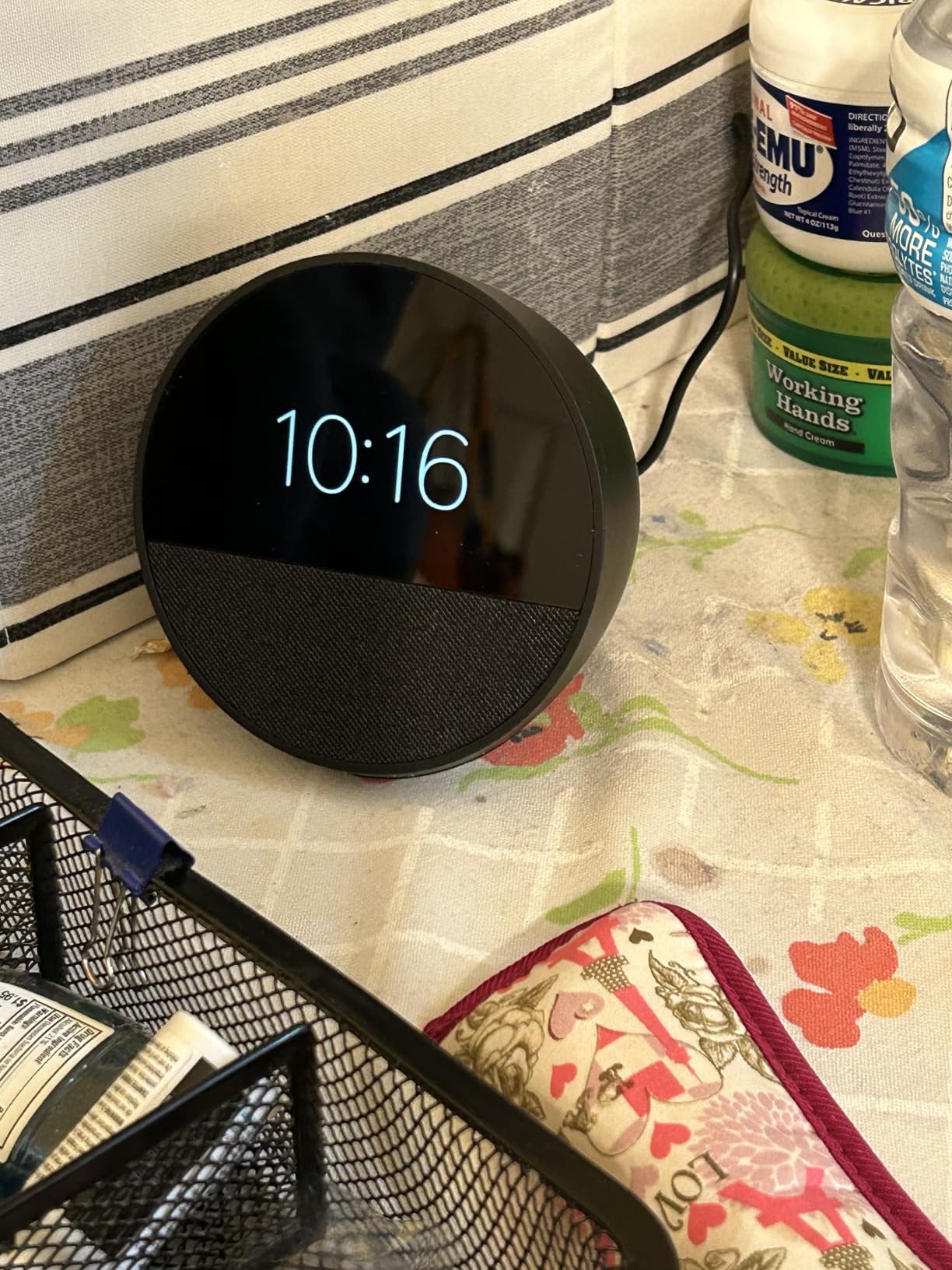
For a home office or small remote team, start with one visible local clock and a compact smart display for the most important second time zone. The Amazon Echo Spot is a reasonable example of the desk-display approach when voice timers and a small visual readout are useful. For a shared room, an atomic wall clock such as the La Crosse 404-80017 is a calmer baseline, although it is better for one synchronized local time than for a map of global locations.
The goal is not to decorate the office with clocks. It is to remove one small source of social friction. When working overlap is obvious, people schedule with more care, write clearer messages, and stop treating time-zone knowledge as somebody else’s hidden administrative job.
Sources used for product grounding: Amazon Echo Spot product page and La Crosse Technology 404-80017 product page.
Related reading
Home Office
A computer desk clock should be glanceable, quiet, low-glare, and separate from your phone so checking time does not become a distraction.
Home Office
A true focus desk clock should reflect light like paper, not glow like a notification. We compare e-ink, tactile, and DIY options.
Home Office
A garage workshop clock needs high contrast, dust tolerance, wide temperature reliability, and controls you can read from across the bench.